Designing My Portfolio with Penpot
Table of Contents
Designing My Portfolio with Penpot
Part 4 of my “First Complete Project” series. ← Part 3: Development Environment
With the development pipeline ready, I moved to design. This was my first time creating a complete UI design system from scratch.
Design Tool Decision: Figma vs Penpot
| Tool | Pros | Cons | Why Not? |
|---|---|---|---|
| Figma | Familiar, collaborative | Generic layout tools | Wanted CSS-like layouts |
| Penpot | CSS Grid/Flexbox native, new and I want to test it out | Learning curve | Winner - Perfect for developers |
Why Penpot won: Layout system mimics CSS Grid, Flexbox, justify-items, gap — direct translation to Tailwind code.
Design Process
- Created Penpot Team → Invited collaborator
for feedback
- New Project → Portfolio site
- Brainstormed pages: Home, About, Projects, Skills, Documents and Contact
- Wireframing → Low-fidelity layouts first
- High-fidelity design → Colors, typography, spacing system
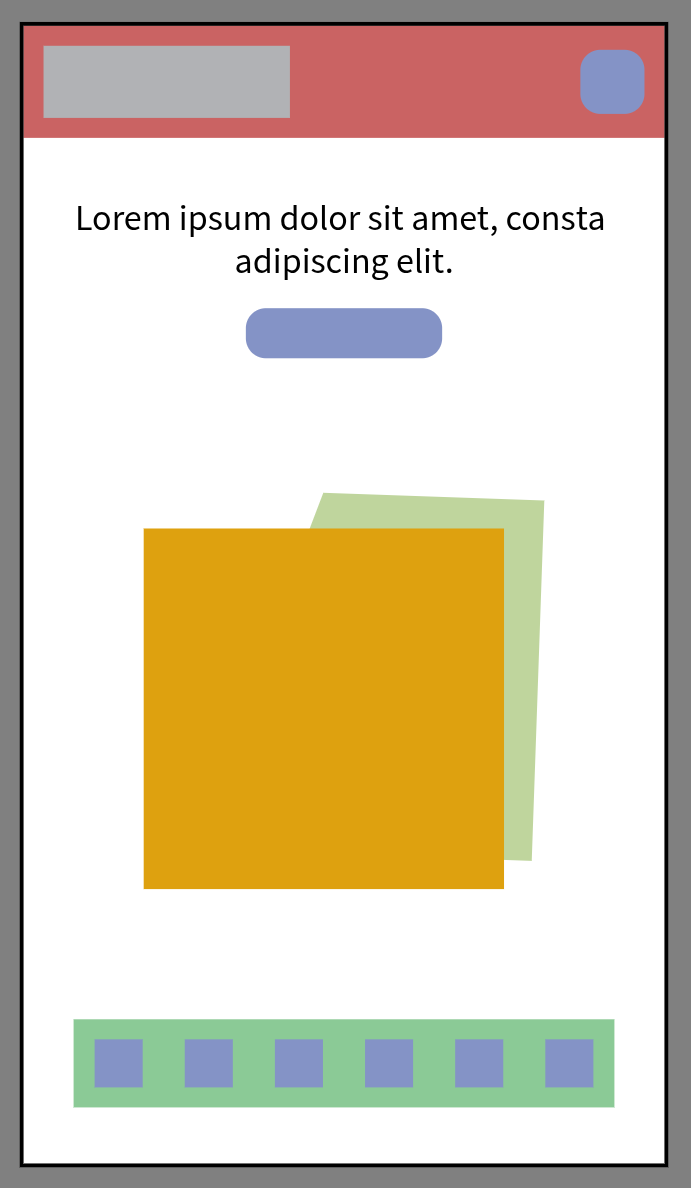
Wireframing Landing Page
What I Learned
- Keep wireframes simple — Only structures and element positions, not detailed styling
- Don’t over-detail early — Code the structure first, then refine design with real content
- Consistent spacing is key
Design phase took 6 hours (including learning Penpot).
→ Next: Implementing Content & Visuals
Continue reading the “First Complete Project” series.