My First Complete Project: From Idea to Live Deployment
Table of Contents
This post is part of my learning journey as a self‑taught developer and documents my first complete project, from idea to deployment.
My First Complete Project – From Idea to Deployment
Over the past year, I’ve gone from building small UI features to completing my very first full project — designed, developed, and deployed completely on my own. This post marks a major milestone in my learning journey, and I want to share the process behind it.
Why This Project Was Important
Until now, my learning focused on fundamentals. I built headers, carousels, and login forms to practice HTML, CSS, and JavaScript — small pieces that taught me core web concepts. Then I moved into modern frontend development: learning React for component-based architecture, TypeScript to bring type safety and predictability, and Tailwind CSS to speed up styling.
This project was my opportunity to bring everything together into something real — a complete, working web application that reflects both my technical growth and how I now approach projects as a developer.
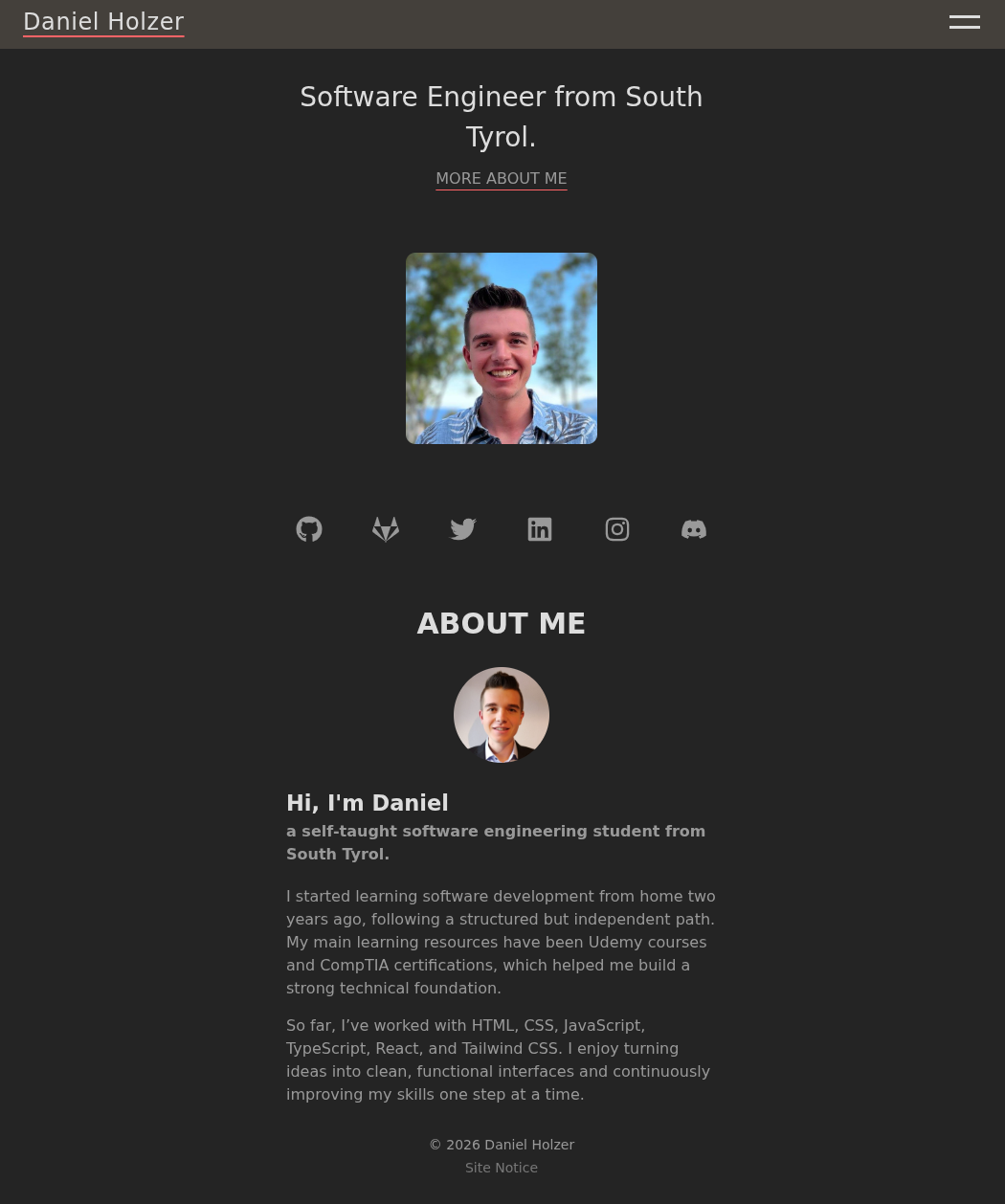
Project Links
Live site: https://dholzer.it
Source code on GitHub: https://github.com/DaniHolzer/personal-profilepage
Tech Stack and Goals
- React helped me structure reusable, maintainable UI components.
- TypeScript made my logic more reliable by catching type-related bugs early.
- Tailwind CSS let me style efficiently, and I used Tailwind Variants to keep styling declarative and organized.
- Netlify served as a free and simple deployment platform integrated with GitHub, allowing automatic builds and updates.
My goal wasn’t just to “build a website” — it was to plan, design, and deliver a full project end-to-end, using professional tools and workflows similar to real-world development.
The Journey in Phases
I split my work into several phases, each representing a core stage of modern web development:
- Planning and Setting Up Jira – Organizing the project with agile principles.
- Creating the Development Environment – Choosing domain, hosting, and GitHub workflow.
- Designing the Interface – Using Penpot to wireframe and define visual identity.
- Implementing the Content – Writing, structuring, and adding visuals.
- Optimizing for SEO – Ensuring the site is discoverable and ready to go live.
Each of these steps became an individual learning project on its own — and in future posts, I’ll go into detail about how I approached each one.
What I Learned
Completing this project taught me more than just code. I learned to:
- Think like a project owner, managing scope and priorities.
- Use a structured workflow that helps with focus and progress tracking.
- Combine multiple tools effectively for planning, design, and deployment. Most importantly, I learned that seeing something through — from an empty folder to a live and running website — gives a sense of accomplishment that tutorials alone can’t match.
What’s Next
In the next posts, I’ll break down each step of the process — how I planned the project, set up my environment, designed the layout, and prepared everything for deployment. If you’re learning modern web development, I hope this series helps you see how these small building blocks come together into a finished product.
This article is the introduction to my “First Complete Project” series. In the next part, I’ll walk through how I planned the work using Jira and an agile mindset.
→Next post: Planning My Project with Jira